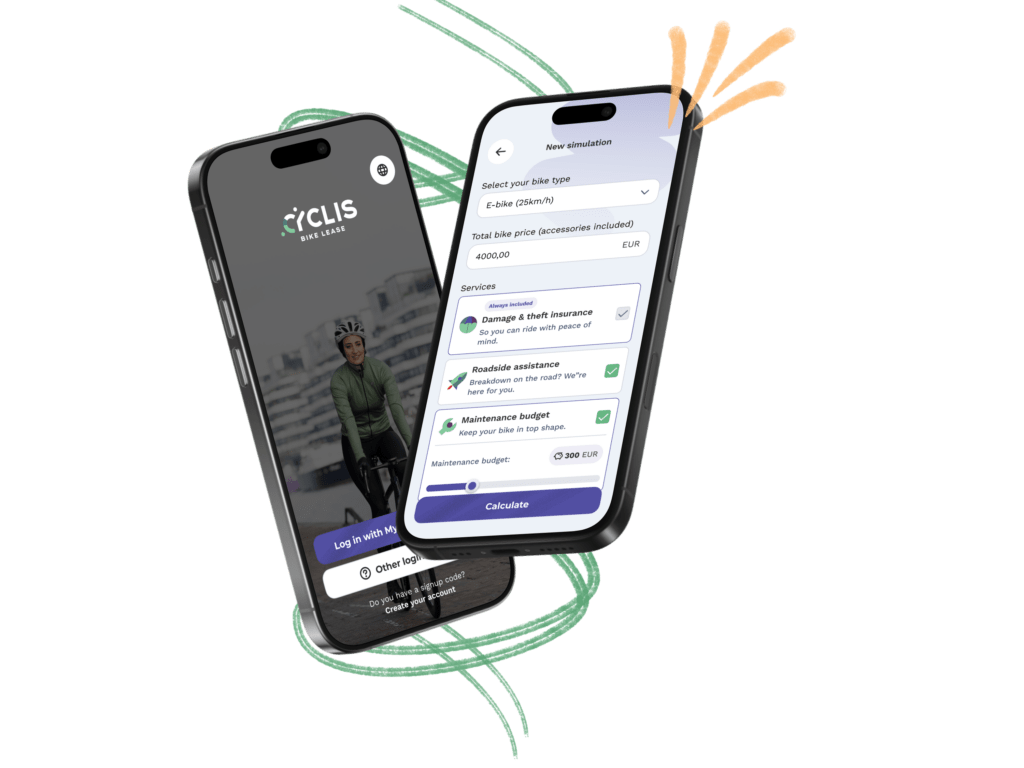
My.Cyclis app
Manage your lease bike anytime, anywhere.
With the My.Cyclis app, you always have all the info about your lease bike close at hand. Contract, maintenance, breakdown assistance… everything neatly in one overview.
That means less searching and more cycling.
What can you
do with
our app?
Everything you need for your lease bike is conveniently in your pocket from now on.
No loose paperwork, no hassle with phone calls or searches. Everything you need for your bike, you just arrange on the go. From practical info to direct help: it’s always there for you, clearly and quickly.
This will leave you with more time and energy for what really matters: enjoying every ride.

Your bike lease at a glance
All your services, documents and lease contract in one place. Clear, convenient and always within reach, so you never lose track of anything.

Create simulations and approve your lease quote
Easily create simulations to quickly compare different options and find the bike that’s perfect for you in just a few clicks. Made your choice? Request a lease quote and approve it straight away.

All contact details within reach
No more searching for phone numbers! In the app, you can find your bike dealer or another nearby Cyclis dealer, or VAB roadside assistance with just one tap. Handy when your bike needs some care, or when you suddenly break down on the road.

Report an insurance claim quickly and easily
Had a little accident or your bike got stolen? No panic. With the app, you can file your claim right away, wherever you are. Everything’s sorted in no time, so you can get back on your bike and keep rolling.

Sign documents with itsme
Your employer can ask you to sign documents via the app. You can do this securely and easily via itsme. Your documents will then remain available in the app.
We swipe, we scroll, we pay... all with an app.
From now on, your lease bike also belongs in that list, with the My.Cyclis app.
My.Cyclis Q&A
Your questions, our answer
How can I log in to My.Cyclis?
There are different ways to log in to the My.Cyclis portal. Exactly which one applies to you depends on the technical set-up chosen by your employer.
1. Via the ‘My.Cyclis’ button at the top right of this page
1.1 With email address and password
- This combination also works on the My.Cyclis app.
- If you don’t remember your password, click Forgot your password?
1.2 With signup code
- For one-time use only to create an account if you don’t already have one.
- You can request the signup code from your employer.
- This code also works on the My.Cyclis app.
2. Via platform integration partner (e.g., Attentia, FIP, SD Worx).
- Search for the benefit “lease bike” and click on it.
- Click on the link to My.Cyclis → the My.Cyclis portal opens automatically.
3. Through specific link from employer (SSO)
- Log in with your professional email address and password.
- You can request the link from your employer.
4. Via specific link from employer (SSO) on platform integration partner
- After clicking the link: log in with your professional email address and password.
- You can ask your employer where exactly on the platform you will find the link.
- This is a combination of login method 2 and 3.
 Questions about logging in? Email to login@cyclis.be or call us at +32 11 730 115
Can I log in even if I don't yet have a lease bike yet?
Yes, that’s possible, provided your employer is one of our clients.
Why can’t I see all the features in the app?
Not all features are currently available in the app. Our IT team is working hard on further development, so many more features will be added soon. Until then, you can of course continue to use the My.Cyclis portal on desktop or smartphone.
Is there any promotional material available?
Yes, there is! You can find all the promotional material via this link.
Take a look at what others are saying about us
Join the teamGet inspired

News
Belgian market leader Cyclis Bike Lease has attracted the German JobRad Group as a strategic partner

Trivia
Need a lease? Ride with Cyclis Bike Lease!
Trivia
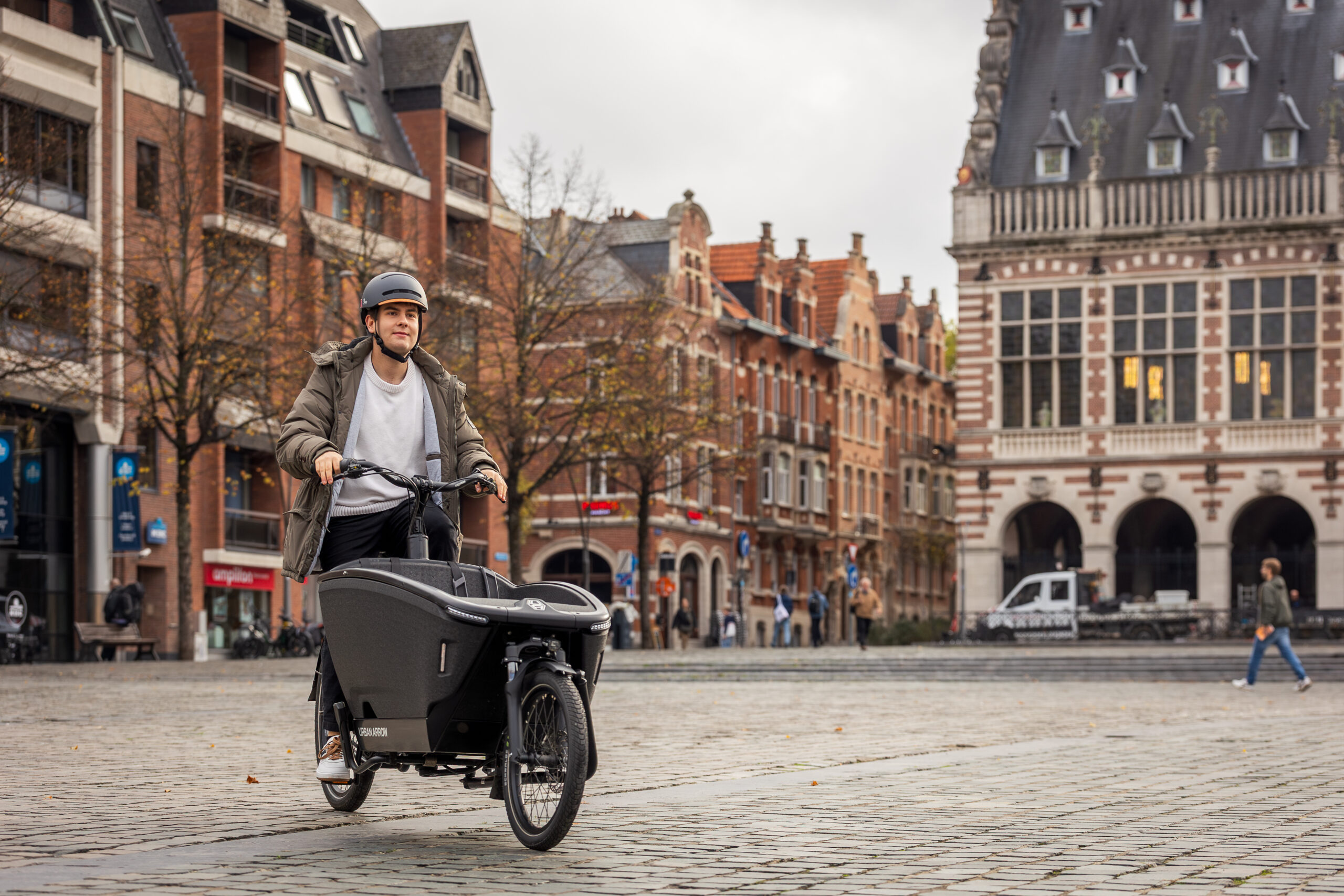
The story behind the rise of cargo bikes

News
More than 21,000 employees cycled to work for the national #icycletowork day

News
Cyclis donates 15 e-bikes for the project “Cycling? It works!”

News
Around 32% of Belgians cycle to work
News
Belgian market leader Cyclis Bike Lease has attracted the German JobRad Group as a strategic partner
Trivia
Need a lease? Ride with Cyclis Bike Lease!
Trivia
The story behind the rise of cargo bikes
News
More than 21,000 employees cycled to work for the national #icycletowork day
News
Cyclis donates 15 e-bikes for the project “Cycling? It works!”
News
Around 32% of Belgians cycle to work
Do you want to be the most
informed cyclist?
Subscribe to our newsletter.
Subscribe and, like 2000+ cyclists, receive all the
cycling news, tips and inspiration.
And no fear, we don’t like spam either!